


128G Ai Box Android 13 Wireless Carplay HDMI Output Wireless Adapter Android Auto Car Play Qualcomm 6225 Fota Upgrade
- Regular price
-
£149.78 - Regular price
-
£0.00 - Sale price
-
£149.78
-
Hurry, only 10 items left in stock!
Couldn't load pickup availability
Shipping information
please see Shipping infomation.
Returns information
Please see Return Policy.
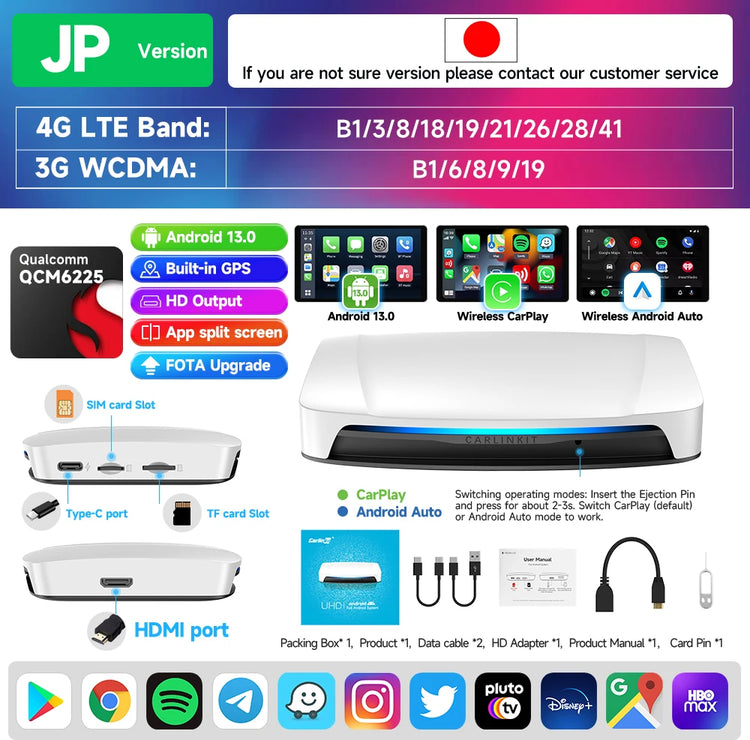

Product Details
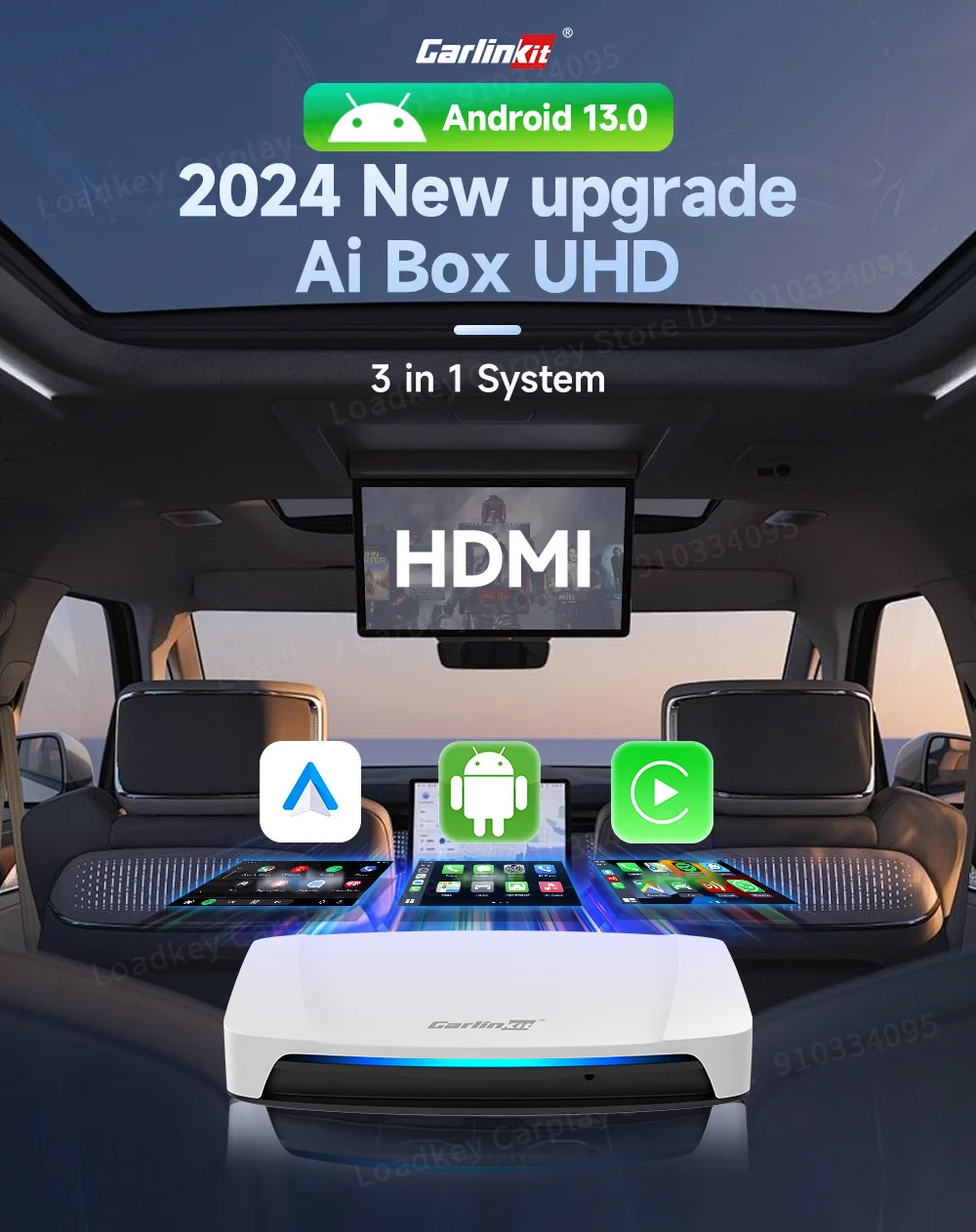

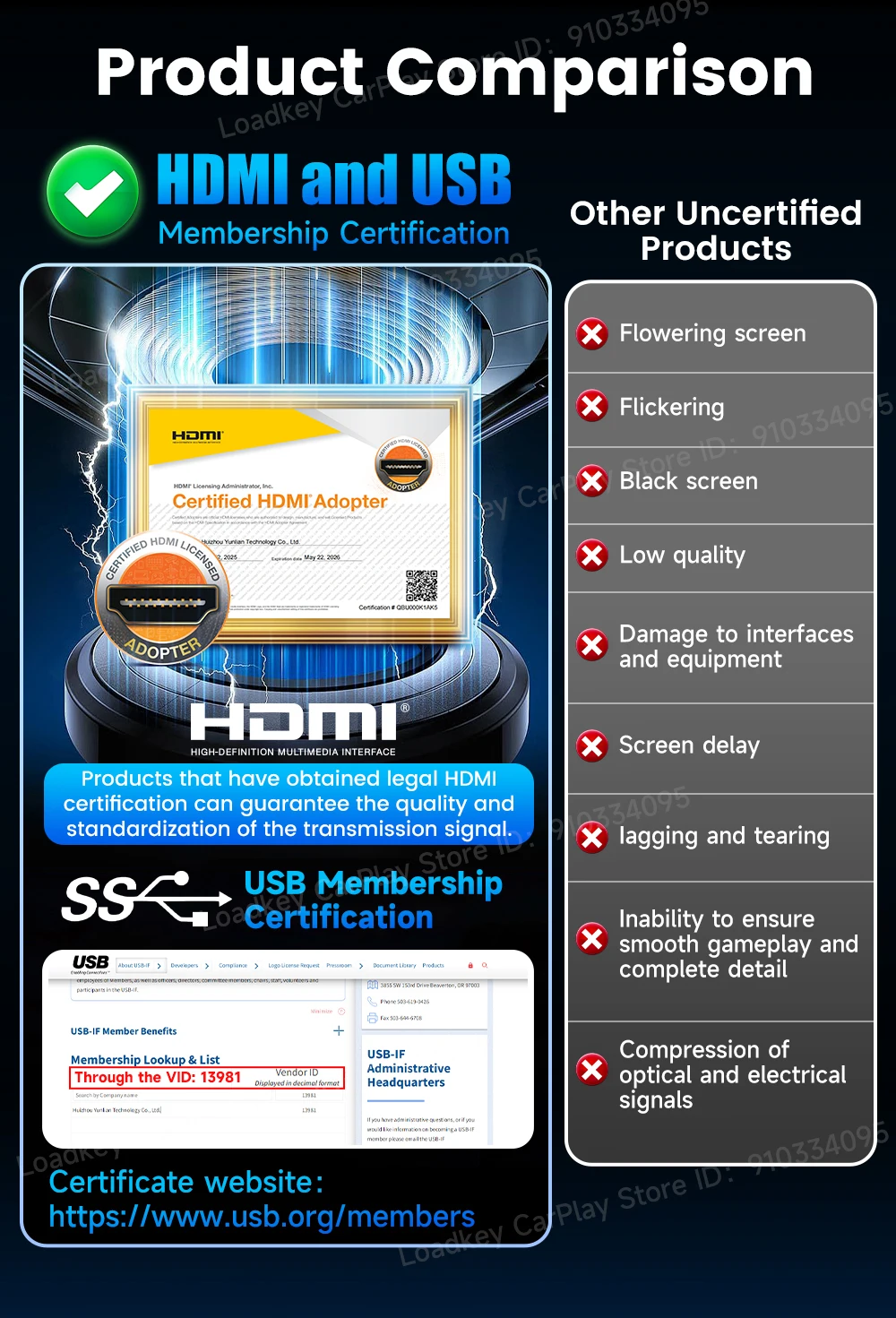
COMPATIBLE WITH 98% OF MODELS
Applicable models: Original cars with wired CarPlay/Android Auto

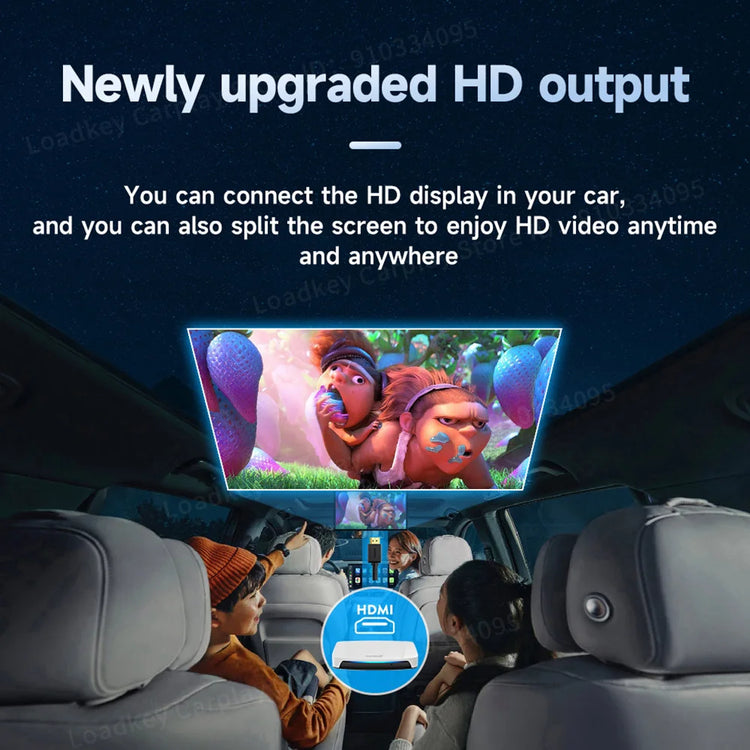
Newly upgraded HD output
You can connect the HD display in your car, and you can also split the screen to enjoy HD video anytime and anywhere

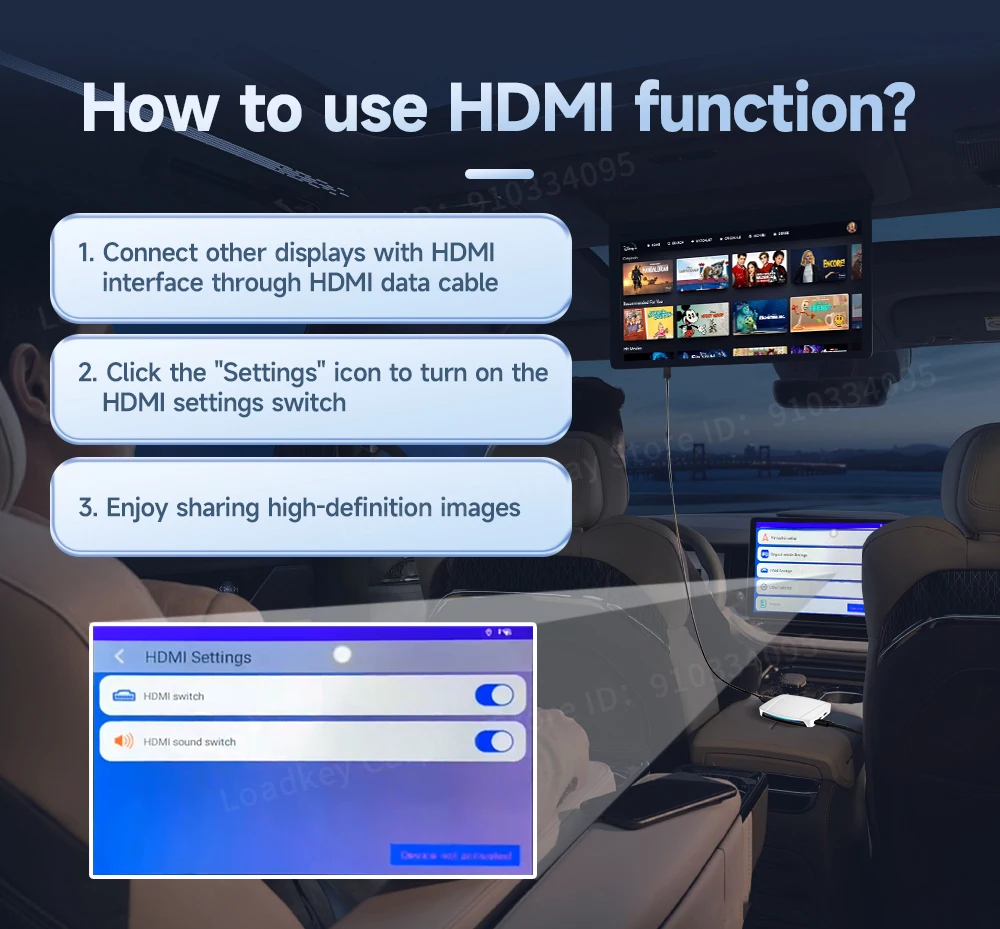
How to use HDMI function?
1. Connect other displays with HDMI interface through HDMI data cable
2. Click the "Settings" icon to turn on the HDMI settings switch
3. Enjoy sharing high-definition images

Support for downloading favorite apps from the Google Play store

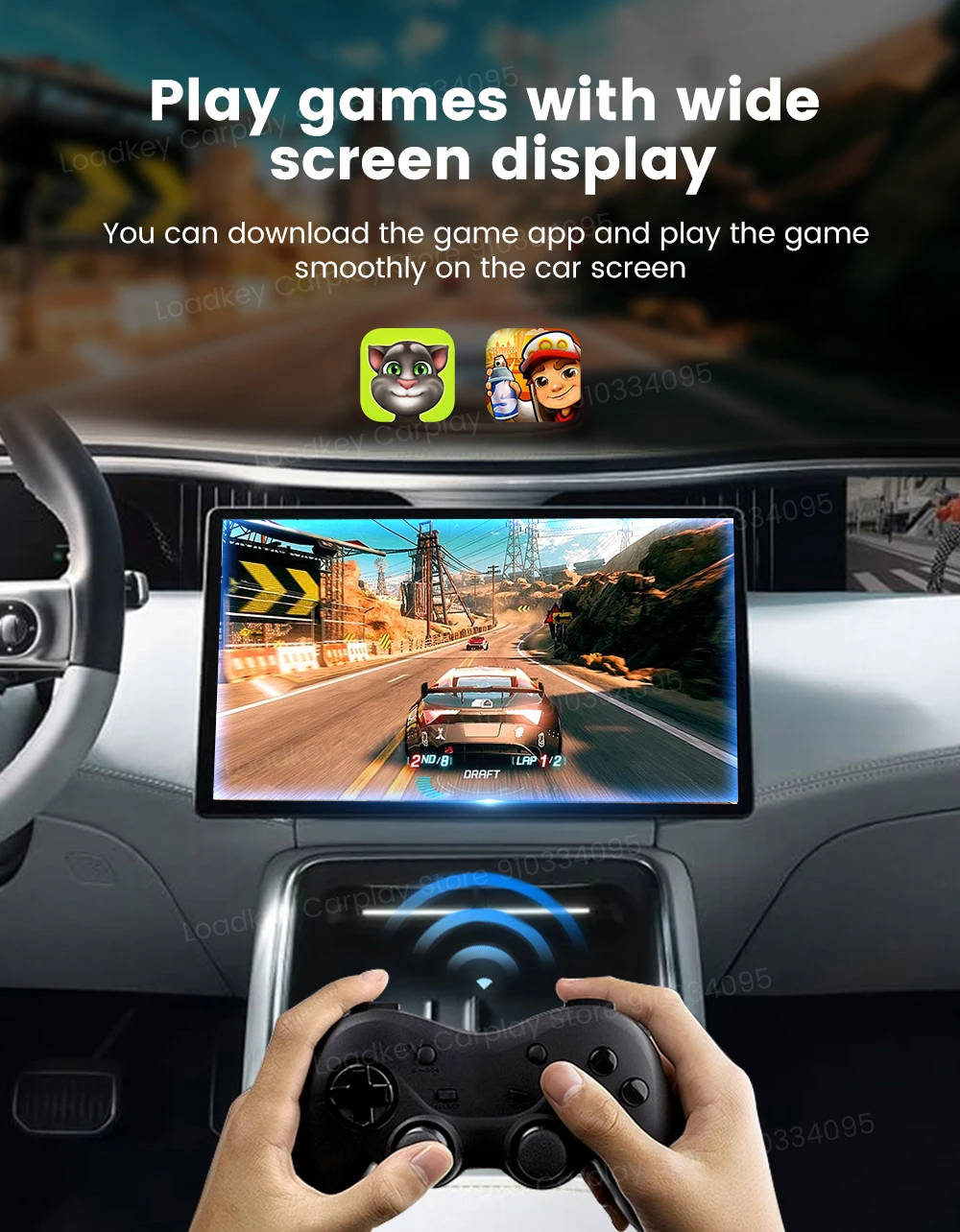
Play games with wide screen display
Continue the original car buttons, knobs and other operations

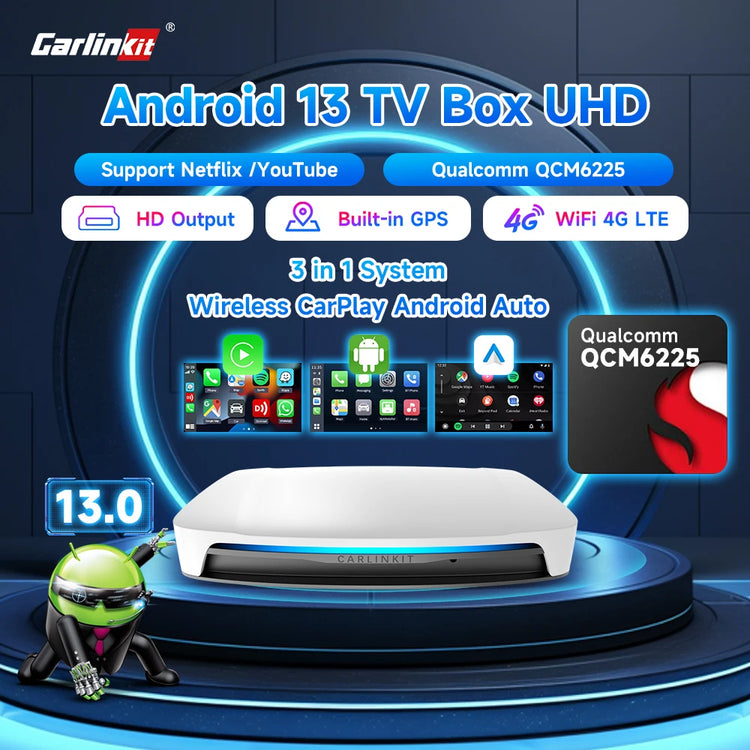
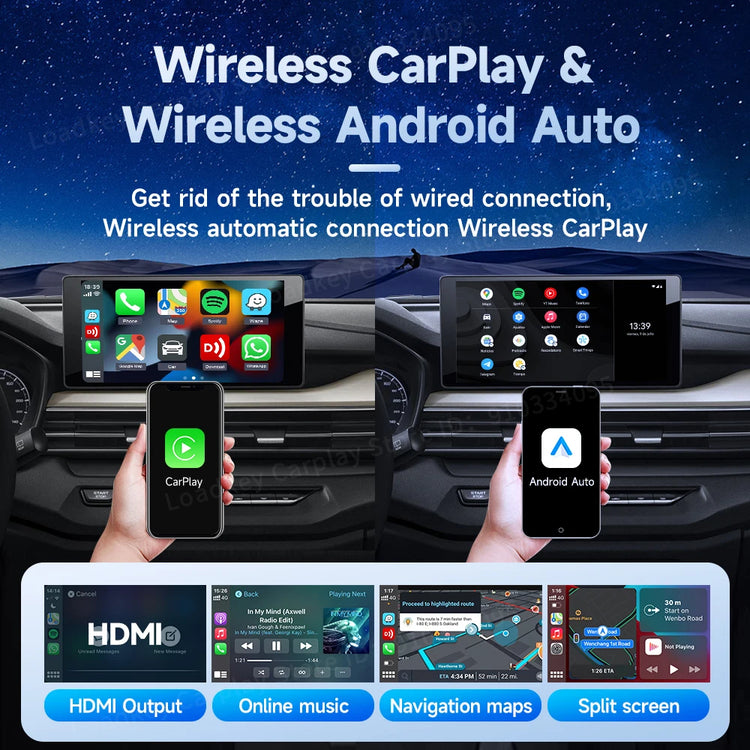
Wireless CarPlay & Wireless Android Auto
Get rid of the trouble of wired connection, wireless automatic connection wireless CarPlay


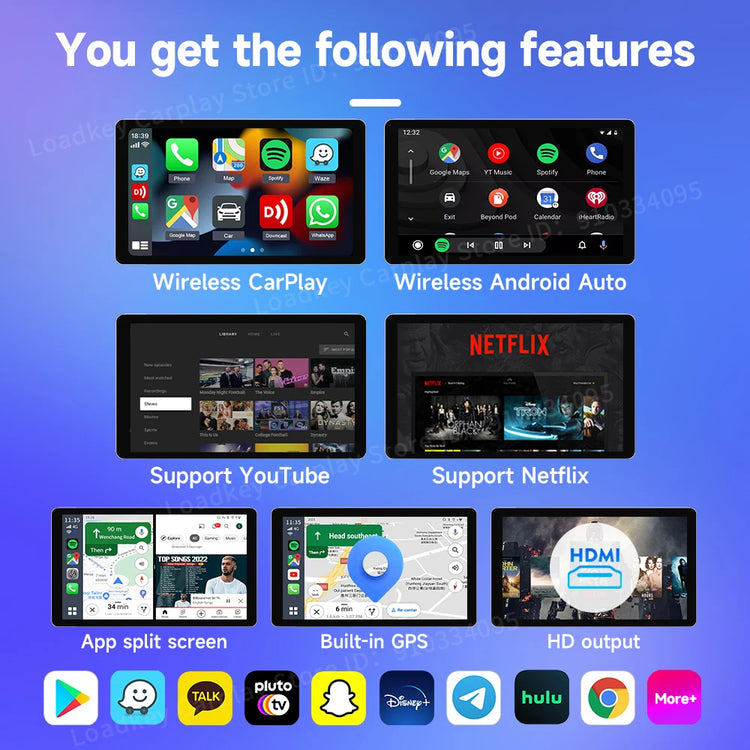
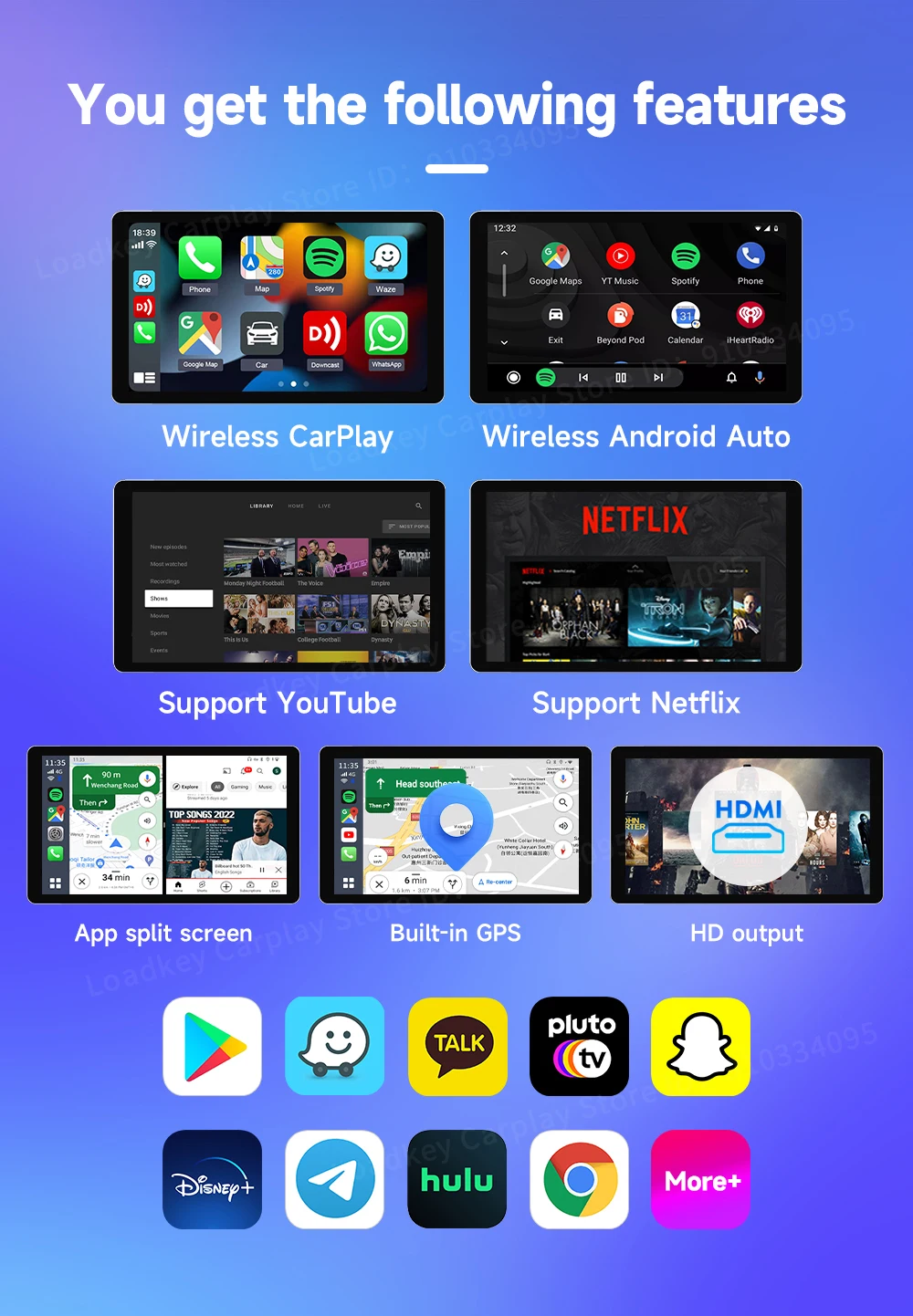
You get the following features

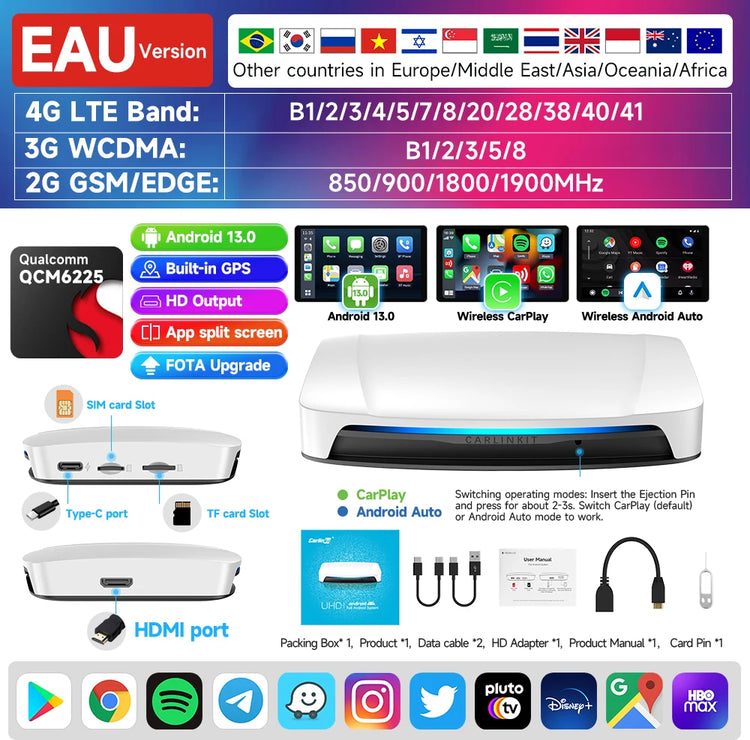
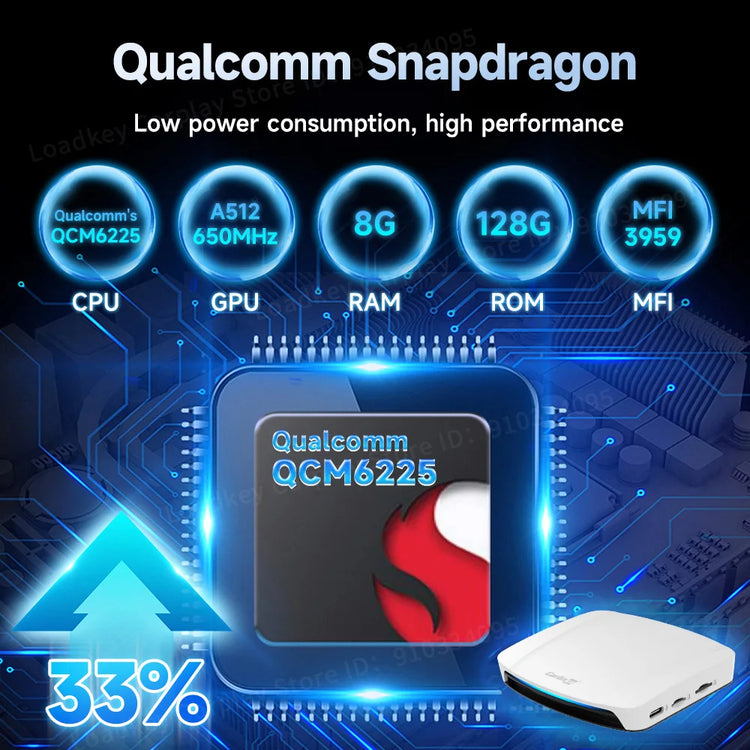
Qualcomm Snapdragon 6225

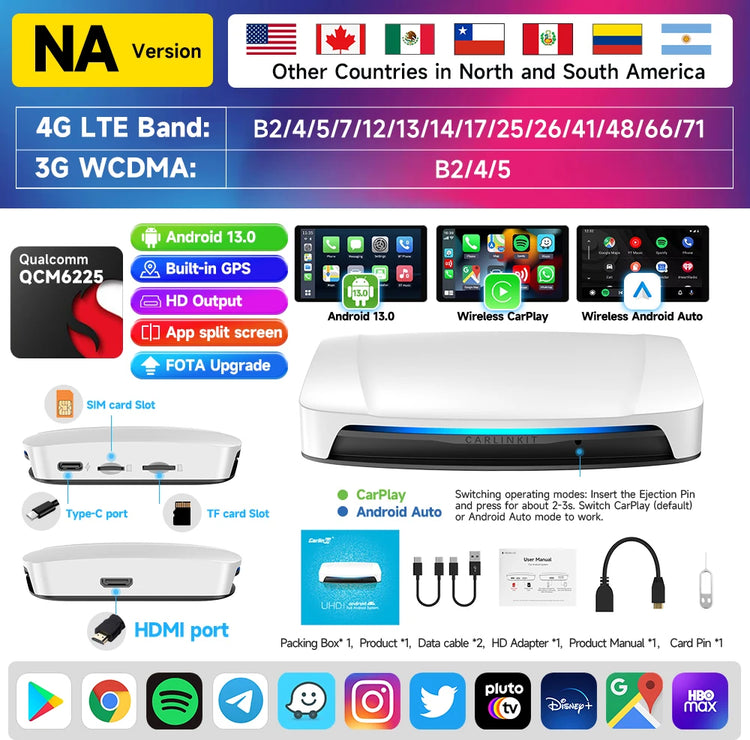
Built-in gps navigation and positioning system

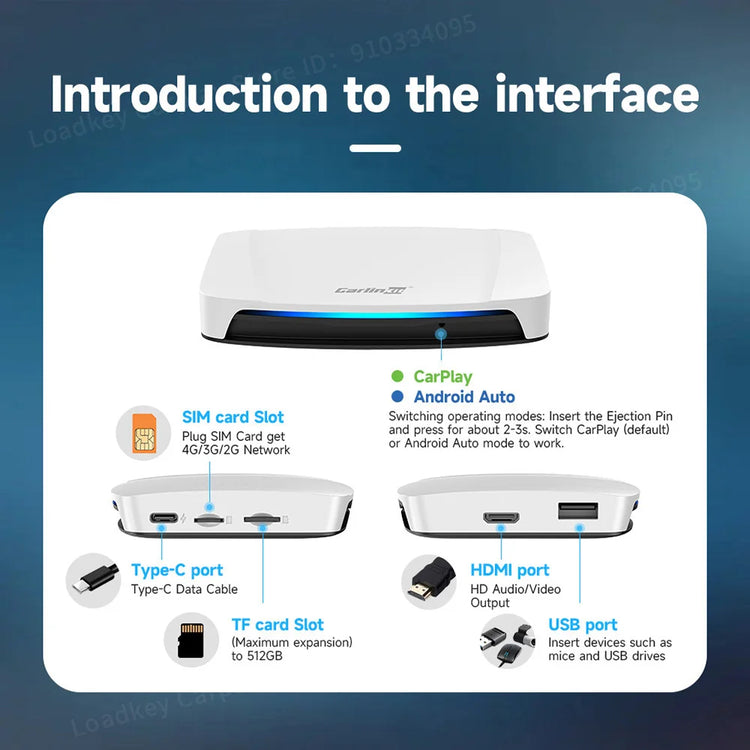
Memory expansion
Can be inserted into the maximum expansion space of 512GB TF(Micro SD) Card
The light will change freely when turned on
Play and Plug
Easy to lnstall, after the first connection is successful,
next connection is automatic.

Port Description
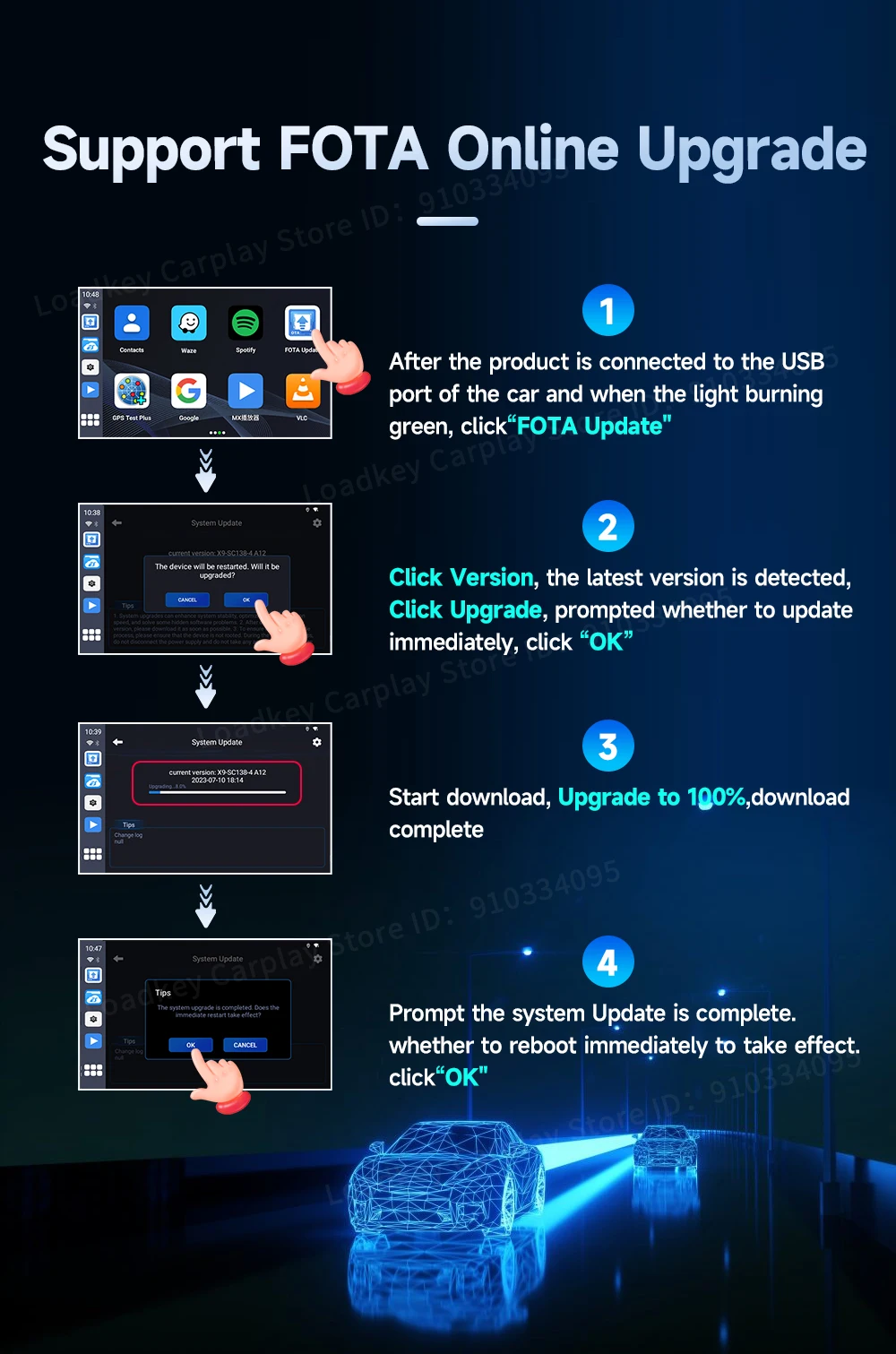
Support FOTA Online Upgrade
Wireless CarPlay/Android Auto Connection Instructions
1. Click the "AutoKit" icon to enter the connection interface
2. Turn on the Bluetooth and WiFi of the iPhone/Android phone
3. Search the bluetooth name displayed on the car screen in the Bluetooth list of the mobile phone, and click pairing
4. Wait for the connection to succeed, and the wireless CarPlay/Android Auto will work

Product lnformation


